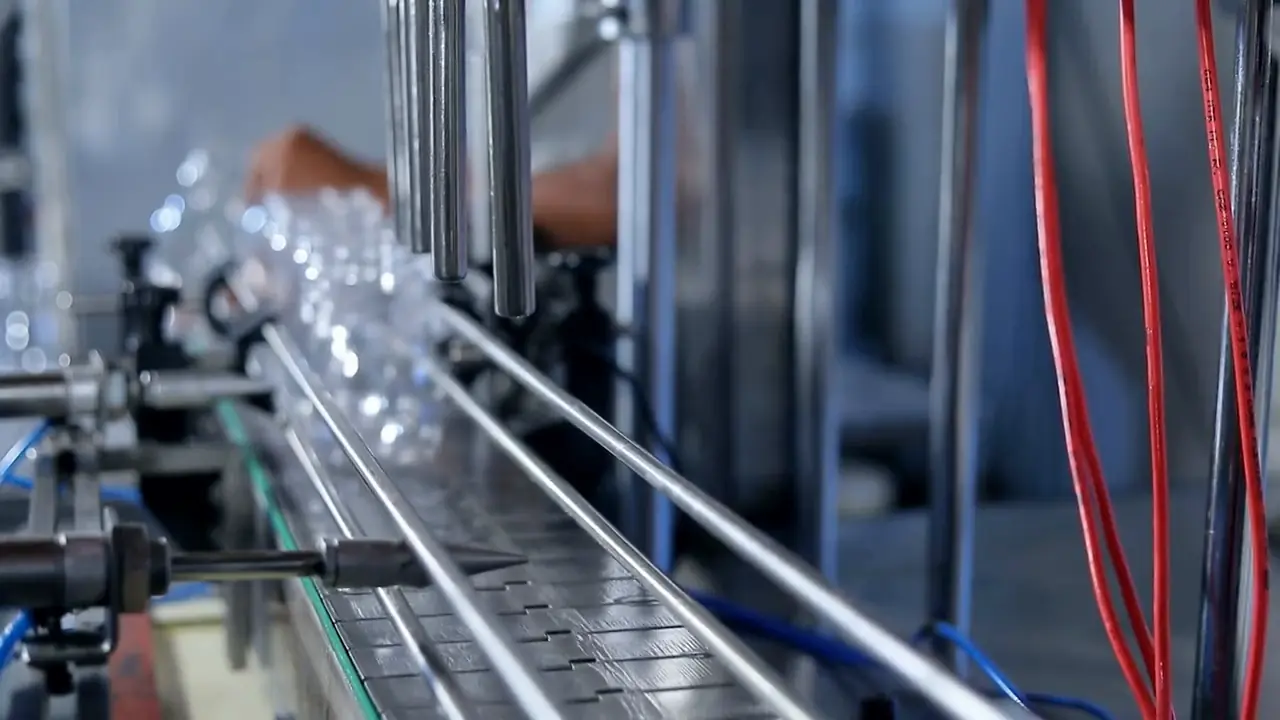
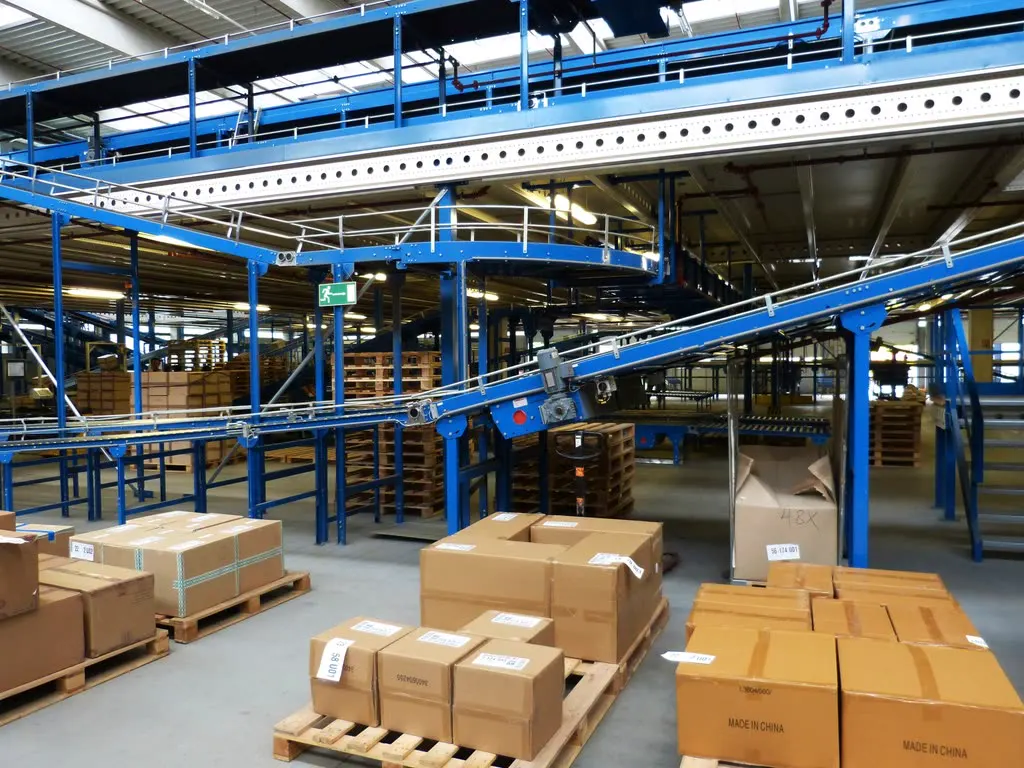
Packaged materials moving through a factory conveyor

Software workflow: detect manufacturing signals, analyze context, recommend an operational action, obtain human approval, and measure the result against a baseline.

Custom software for manufacturers

We build the software your plant is missing.

Custom apps, workflow automation and AI for manufacturers, from the order desk to the loading dock. Built around how your plant runs, connected to the systems you already use, and proven in 90 days.

  • Works with your ERP, MES, CMMS, LIMS, email and spreadsheets
  • People approve what matters
  • Full refund if agreed pilot metrics are missed

Your ERP runs the business. Your people run everything around it.

Every plant has work that lives in inboxes, spreadsheets, clipboards and one person’s memory: retyping orders, emailing shipping papers, copying lab results, chasing suppliers, rebuilding schedules. It never shows up on a budget, but it costs hours every shift.

  • Shipping papers

    Shipping & logistics

    Printed, scanned and emailed by hand for every load.

  • Lab results

    Quality & lab

    Retyped from instrument to spreadsheet to COA.

  • Customer POs

    Orders & customers

    Keyed into the ERP by hand from PDF attachments.

  • Supplier confirmations

    Purchasing & suppliers

    Chased by email one PO at a time, then updated in the ERP by hand.

  • Supplier invoices

    Finance & admin

    Matched to POs and receipts line by line before anyone can approve them.

  • Production schedules

    Planning & production

    Rebuilt by hand whenever a line goes down, material is late or an order changes.

Typical examples from manufacturing operations, not measured results. How long each one takes in your plant is what the assessment measures.

Your systems in. Measured outcomes out.

Every workflow we build moves through the same five states: detect, context, action, approve, measure. From the systems you already run to a result your finance team can check.

Watch for the events that create work

A PO lands in the inbox, an order is marked shipped, a lab result posts, a clock-in is missed, a vibration trend rises. Workflows listen for these signals in the systems you already run, with thresholds agreed with your team.

  • ERP
  • MES
  • WMS
  • LIMS
  • CMMS
  • PLCs and sensors
  • HR and time clocks
  • Email and documents
  • Spreadsheets

These are categories, not certified integrations. Which connections a workflow needs, and what access it gets, is confirmed during the assessment.

Gather the records behind the signal

The workflow pulls what a person would otherwise look up: the order and pick data, the lot and its test results, the asset’s history, the roster, the price list.

  • Order and pick data
  • Lot and batch records
  • Test results and specs
  • Asset history
  • Roster and skills
  • Price lists

Prepare the next step

It drafts the work: a sales order, a BOL and shipment email, a COA, a work order, a cover call or a revised schedule, with the evidence attached.

  • Draft order
  • BOL and packing list
  • COA
  • Work order
  • Cover booking
  • Revised schedule

People approve what matters

Clerks, supervisors, planners and quality managers approve, edit or reject. Approval rules are agreed before go-live: what may run on its own, and what never runs without a person.

  • Approve
  • Edit
  • Reject
  • Escalate

Every result is compared with your baseline

Minutes per task, errors, response times and downtime are measured from your own system data against the baseline agreed before the pilot, and reported weekly.

  • Minutes per task
  • Errors caught
  • Time to release
  • Unplanned downtime
  • Weekly report

If it’s repetitive, we can probably automate it.

Ten departments, three examples each. Every tile opens the workflow library filtered to that department.

What we build

Six kinds of custom software, combined to fit each workflow. Each one is built for your plant, not a package your team has to adapt to.

From a signal on the line to a decision by your team.

Workflows watch the data your equipment and systems already produce, then turn a change into a recommendation a person can act on.

Filler 3 drive vibration, mm/s7.4
Fill weight, g502.1
Cycle time, s1.92

Illustrative signals, not live data.

Illustrative demo

Step through a workflow at work.

A simulated run with illustrative data. Pick a scenario and move through each state. At the review step, you make the call.

Simulated data

Maintenance: Filler 3, Line 2

Signal

Drive vibration on Filler 3 is up 38% over six hours.

Temperature and current are still inside their limits, so no alarm has fired on the line.

Context

The same pattern came before two earlier failures on this asset.

Earlier failures
2 in 14 months
Lead time seen
30-40 hours
Next planned stop
14:00 changeover
Recommendation

Replace the drive-end bearing during the 14:00 changeover.

Parts on hand
2 bearings
Estimated work
45 minutes
Confidence
High
Human review

The maintenance supervisor decides.

Nothing is scheduled until a person approves it. Approve the recommendation to continue.

Action

Work order drafted, technician assigned, parts reserved.

The work order is created in the CMMS, the bearing is reserved and the line lead gets a text with the plan.

Measured

Logged against the agreed baseline.

Unplanned stop
Avoided
Downtime this week
In weekly report
Compared with
Agreed baseline

Staffing: second shift, Packaging Line 4

Signal

A Line 4 operator has not clocked in, 10 minutes after shift start.

The time clock shows no punch and no approved absence for this shift.

Context

Three cross-trained operators are off today and under their weekly hours.

Cross-trained, available
3 people
Agency backup
2 available
Overtime rule
Respected
Recommendation

Offer the shift to the available operator with the fewest hours this week.

If there is no answer within five minutes, the offer moves to the next person, then to the agency.

Human review

The shift supervisor confirms the cover plan.

Supervisors can also pre-approve rules like this one. Approve the plan to continue.

Action

Calls and texts sent. Cover accepted, roster updated.

The supervisor gets a text when coverage is confirmed. No phone calls on their side.

Measured

Time to cover logged against the agreed baseline.

Gap
Covered
Time to cover
In weekly report
Compared with
Agreed baseline

Complaint: seal failure, lot 24-118

Signal

A brand owner reports seal failures on lot 24-118.

The complaint email is read and the lot number is extracted automatically.

Context

Batch record, sealing logs, QC checks and line events pulled for that lot.

Records gathered
4 sources
Production shift
Night shift
QC checks
All passed
Recommendation

Likely cause: sealing jaw temperature dropped below spec for 22 minutes.

A draft response with the supporting evidence is prepared for the quality manager.

Human review

The quality manager reviews the draft.

No response goes to a customer without approval. Approve the draft to continue.

Action

Response sent, corrective action opened, finding linked to the lot.

The evidence stays attached to the lot record for the next audit.

Measured

Investigation time logged against the agreed baseline.

Investigation time
In weekly report
Compared with
Agreed baseline
Evidence linked
Yes

Shipping: Load 4471 for Acme Foods

Signal

Order SO-4471 for Acme Foods is marked shipped in the ERP.

The truck is loaded and the dock has confirmed the pallet count.

Context

BOL and packing list generated from the order and pick data.

Pallets
18
Lots on the load
2
COAs on file
2 of 2
Recommendation

Signed BOL scanned at the dock and matched to load 4471. Shipment email drafted.

To
Acme Foods receiving
Attachments
BOL, packing list, 2 COAs
Signed copy
Matched
Human review

The shipping clerk checks the email and its attachments.

Nothing goes to the customer until the clerk approves it, or the customer is on a pre-approval list agreed with you. Approve the email to continue.

Action

Email sent to Acme Foods. Every document filed against the order.

The BOL, packing list and COAs are attached to SO-4471 for invoicing and audits. In this simulation nothing is actually sent.

Measured

Clerk time and missing documents logged against the agreed baseline.

Documents on file
4 of 4
Follow-ups needed
0
Compared with
Agreed baseline

Step 1 of 6: Signal

The same work, before and after.

What changes for the people doing the work once a workflow is built. These describe how we design each one, not results from a customer project. No promised numbers: in a pilot we measure your own baseline first, then agree the target with you.

  • Shipping paperwork

    Today

    The BOL is retyped from the order, and the signed copy is scanned and emailed by hand with the packing list and COA.

    With NuruState

    The BOL and packing list are generated from order data, the signed copy is read at the dock, and the customer email is drafted with every document.

    Approves
    The shipping clerk
    Measured
    Clerk minutes per shipment
  • Lab results and COAs

    Today

    Results are retyped from the instrument into a spreadsheet, checked by eye, then retyped into a COA.

    With NuruState

    Results are pulled in and checked against spec, out-of-spec results go straight to QA, and a COA is drafted for each passing lot.

    Approves
    QA, for every lot and every COA
    Measured
    Time from test complete to lot release
  • Customer purchase orders

    Today

    Every line of a PDF purchase order is keyed into the ERP by hand.

    With NuruState

    The PO is read from the inbox, matched to your items and prices, and mismatches are flagged before the order is created.

    Approves
    Customer service
    Measured
    Entry minutes per order
  • A missed clock-in

    Today

    A supervisor leaves the floor to phone around while the shift starts short.

    With NuruState

    Cover is offered to eligible people in the order your rules set, and the supervisor hears when the gap is filled.

    Approves
    The shift supervisor, or rules they pre-approve
    Measured
    Time to confirmed cover
  • A customer complaint

    Today

    Batch records, QC results and line logs are gathered by hand before anyone looks for a cause.

    With NuruState

    The lot’s data is gathered in one place, a likely cause is suggested, and a response is drafted with the evidence.

    Approves
    The quality manager
    Measured
    Investigation time per complaint

Browse all 67 workflows

Assess. Prove. Scale.

A fixed path from a first visit to a measured result, with the commercial terms set before each step.

01 Assess

Find your number

We walk the floor, the office and the dock, interview your team, review your systems and data readiness, and agree the baseline.

Investment
$7,500
Timeline
2-3 weeks
You receive
15-20 page report, scored opportunities
Measured by
Baseline agreed in writing
02 Prove

Run one pilot

One workflow, one team, 90 days. A fixed fee, with weekly progress tracking from your own data.

Investment
$15K-$25K
Timeline
90 days
You receive
Working workflow, 90-day ROI report
Guarantee
Full refund if agreed metrics are missed
03 Scale

Expand what works

Add more workflows, teams or sites at your pace. No forced bundling.

Investment
Custom
Timeline
Your pace
You receive
More workflows, teams or sites
Measured by
Quarterly reviews against baseline

See the detailed process See pricing

Engineering discipline, written into every engagement.

People approve what matters

Actions that affect product, staff, customers or money wait for a person. What a workflow may do on its own is agreed before go-live.

Your existing systems first

Workflows connect to the ERP, MES, WMS, LIMS, email and spreadsheets you already run. No rip-and-replace.

Your data stays yours

Your data is used only to deliver the services, and is returned or deleted as your services agreement sets out.

Success criteria before work

The baseline and the success metric are agreed in writing before a pilot starts.

Defined access

What a workflow can read and write, and how data is handled, is set out in your services agreement.

Visible progress

During a pilot you get weekly progress tracking from your own system data, then a 90-day ROI report.

Phased deployment

One workflow, one team first. Expansion follows proven results, at your pace.

Tell us the job nobody wants to do.

A free 30-minute call. We’ll tell you honestly whether we can automate it, roughly what it saves, and what it would take.